
Description
This plugin places quizzes built with LeadForms (leadforms.ru) on your WordPress site. The quiz itself is created and stored in your LeadForms account; the plugin embeds it into a page using the official LeadForms widget loader.
Features
- Shortcode
[leadforms id="123"]for any post, page or text widget. - A “LeadForms Quiz” block for the block editor, with all options in the sidebar and no code to write.
- Two display modes:
- Inline — the quiz is embedded directly into the content.
- Popup — a button is placed in the content and the quiz opens in a modal window when it is clicked.
- Width and height options for the inline mode; button text and shape for the popup mode.
- The loader script is enqueued only on pages that actually contain a quiz.
How to use
- Create and publish a quiz in your LeadForms account.
- Copy the quiz ID — the number in the quiz URL.
- Add the “LeadForms Quiz” block to a page, or insert the shortcode
[leadforms id="YOUR_ID"].
Shortcode examples:
[leadforms id="123"]
[leadforms id="123" mode="popup" button_text="Get a quote"]
[leadforms id="123" height="700px"]
External services
This plugin loads the LeadForms widget loader and displays the quiz in an iframe. This is required for the plugin to work: the quiz itself is stored and served by the LeadForms service.
What is loaded and when:
- Widget loader — the script
https://script.leadforms.ru/v1.js. It is loaded in the visitor’s browser on pages where a quiz is placed. - Quiz content — the quiz page served from the LeadForms domain and embedded in an iframe when the quiz is displayed.
What data is sent: when the quiz loads, the loader sends technical details of the page to LeadForms — the current URL, the referrer and browser cookies — so that the quiz works correctly and submissions are attributed to the right page. Personal data entered by a visitor into the quiz is processed by the LeadForms service, not by this plugin.
Service provider: LeadForms.
- Website: https://leadforms.ru
- Terms of use: https://leadforms.ru/conditions
- Privacy policy: https://leadforms.ru/policy
- Consent to personal data processing: https://leadforms.ru/consent
Screenshots
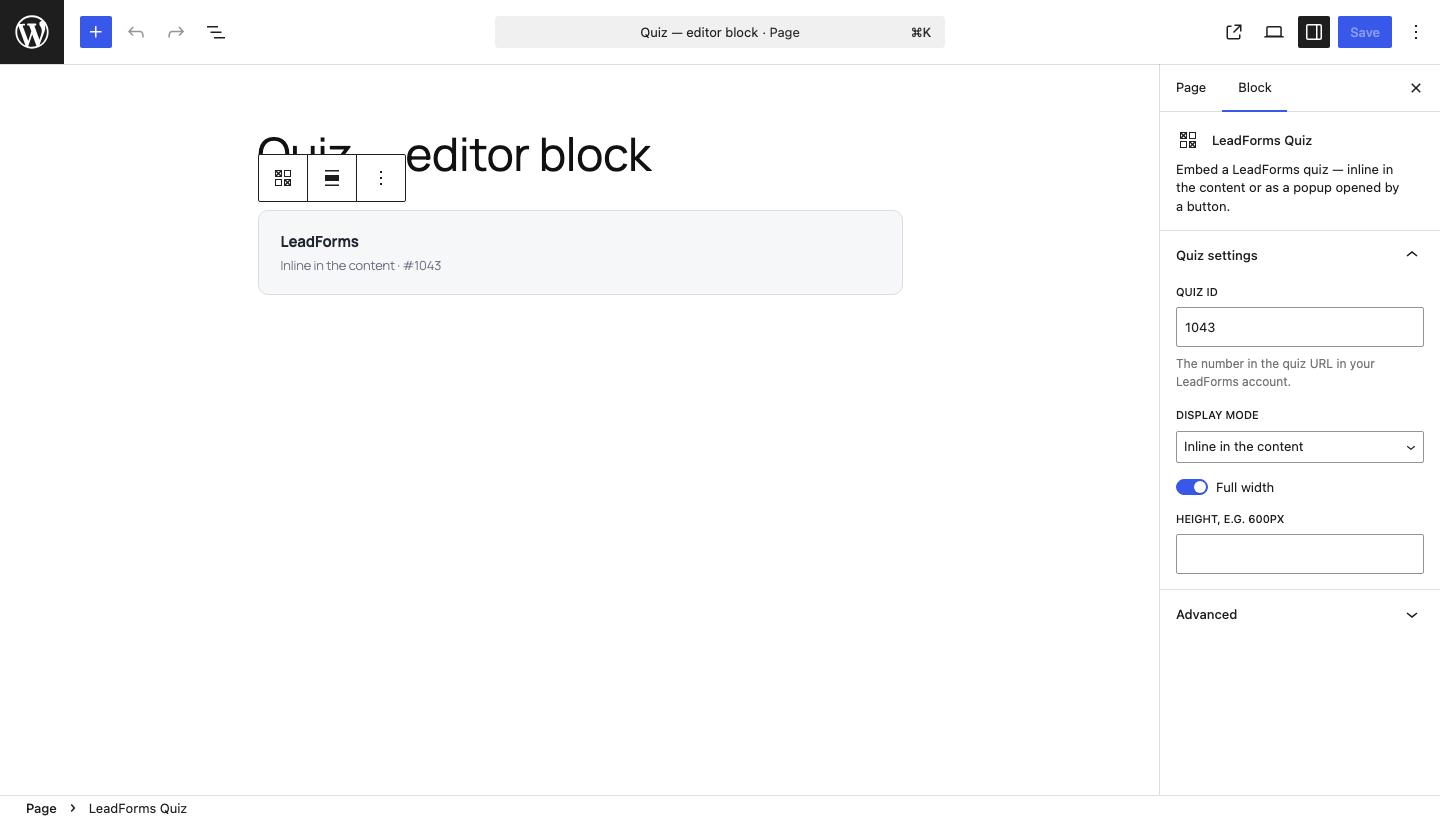
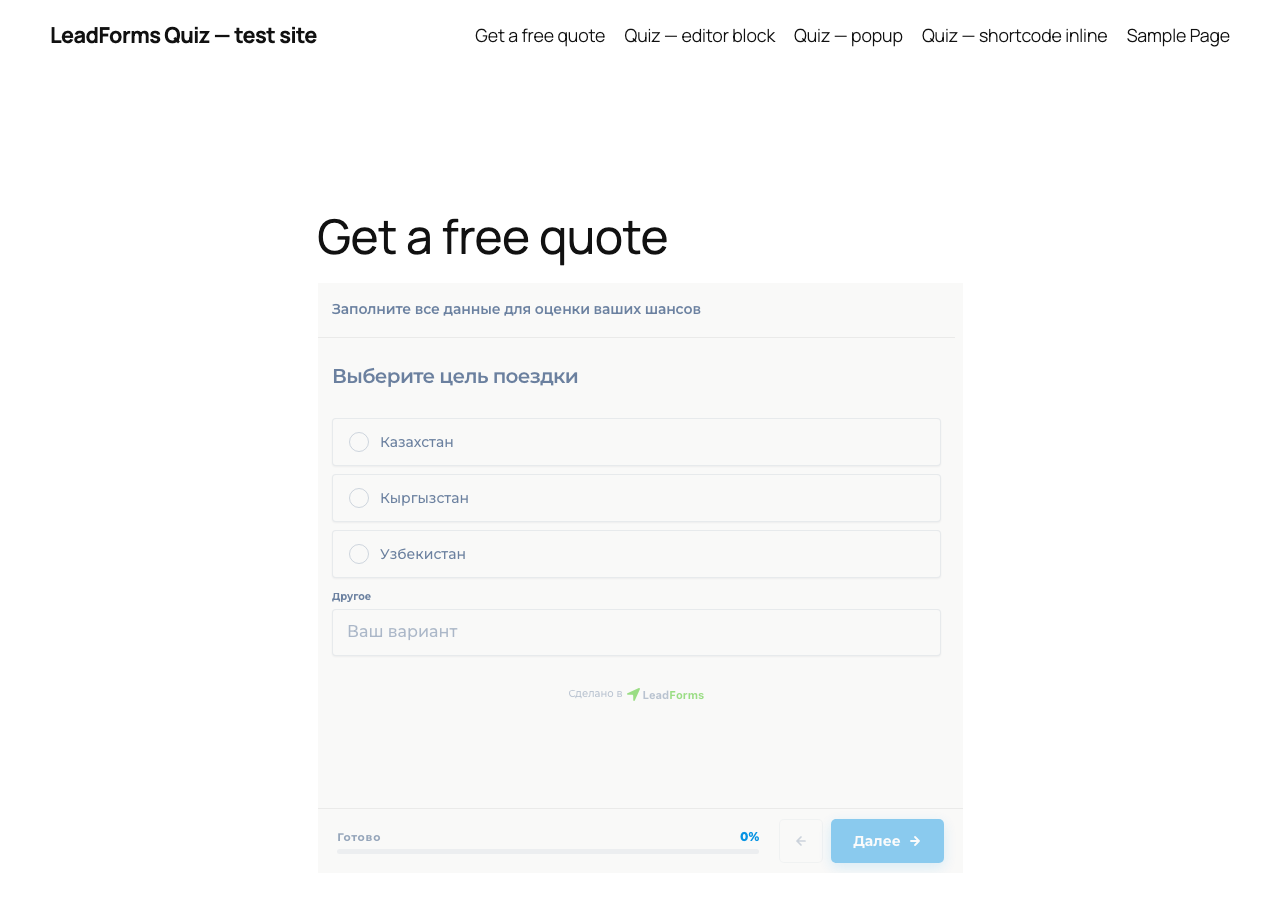
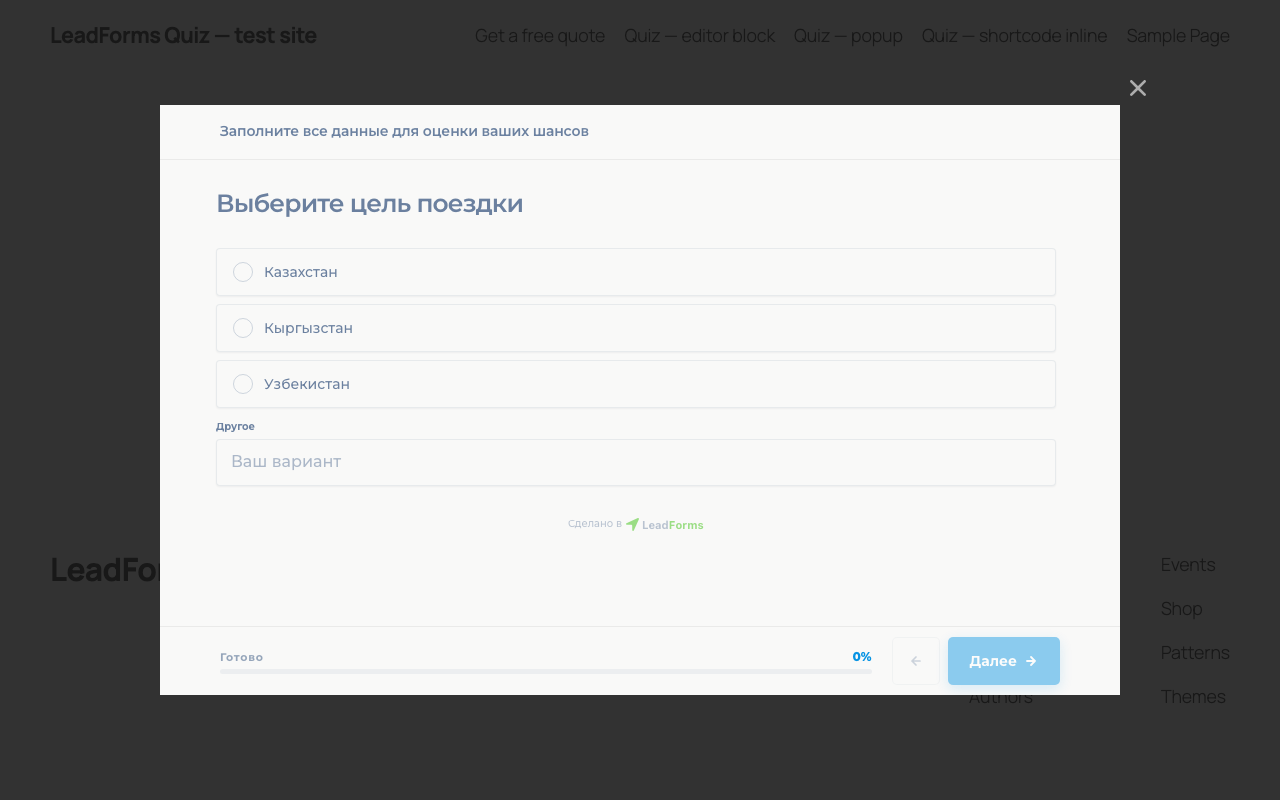
Blocks
This plugin provides 1 block.
- LeadForms Quiz Embed a LeadForms quiz — inline in the content or as a popup opened by a button.
FAQ
Where do I find the quiz ID?
It is the number in the quiz URL in your LeadForms account. The same value goes into the block settings and into the
idattribute of the shortcode.Do I need a LeadForms account?
Yes. The plugin only embeds an existing quiz; quizzes are created and configured in LeadForms.
The quiz does not appear on the page
Check that the ID is correct and that the quiz is published. If a caching or script optimisation plugin is active, make sure it does not strip the
script.leadforms.ru/v1.jsloader.Can I place several quizzes on one page?
Yes. Each shortcode and each block is independent, including quizzes with different IDs.
Reviews
There are no reviews for this plugin.
Contributors & Developers
“LeadForms Quiz” is open source software. The following people have contributed to this plugin.
Contributors
Translate “LeadForms Quiz” into your language.
Interested in development?
Browse the code, check out the SVN repository, or subscribe to the development log by RSS.
Changelog
1.0.0
- Initial release: shortcode, editor block, inline and popup display modes.